The classic board game, beautifully made.
Roll the dice, race your four tokens home and celebrate with fireworks. Play against the computer or pass the phone around with family and friends, on hand-crafted Indian-inspired boards.
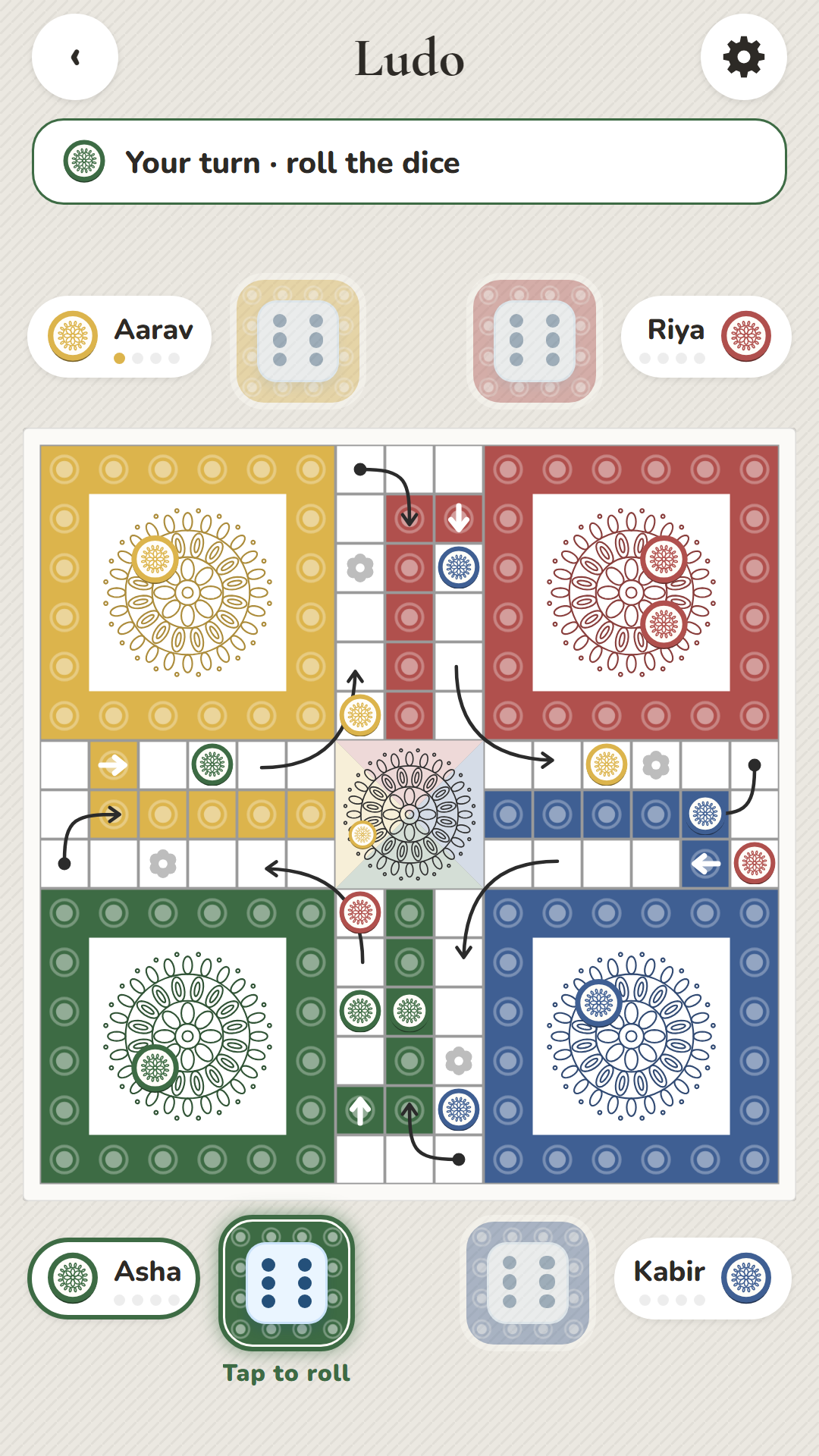
Everything a family game night needs
Simple to pick up for kids and grandparents, with enough strategy to keep everyone coming back.
3 hand-crafted themes
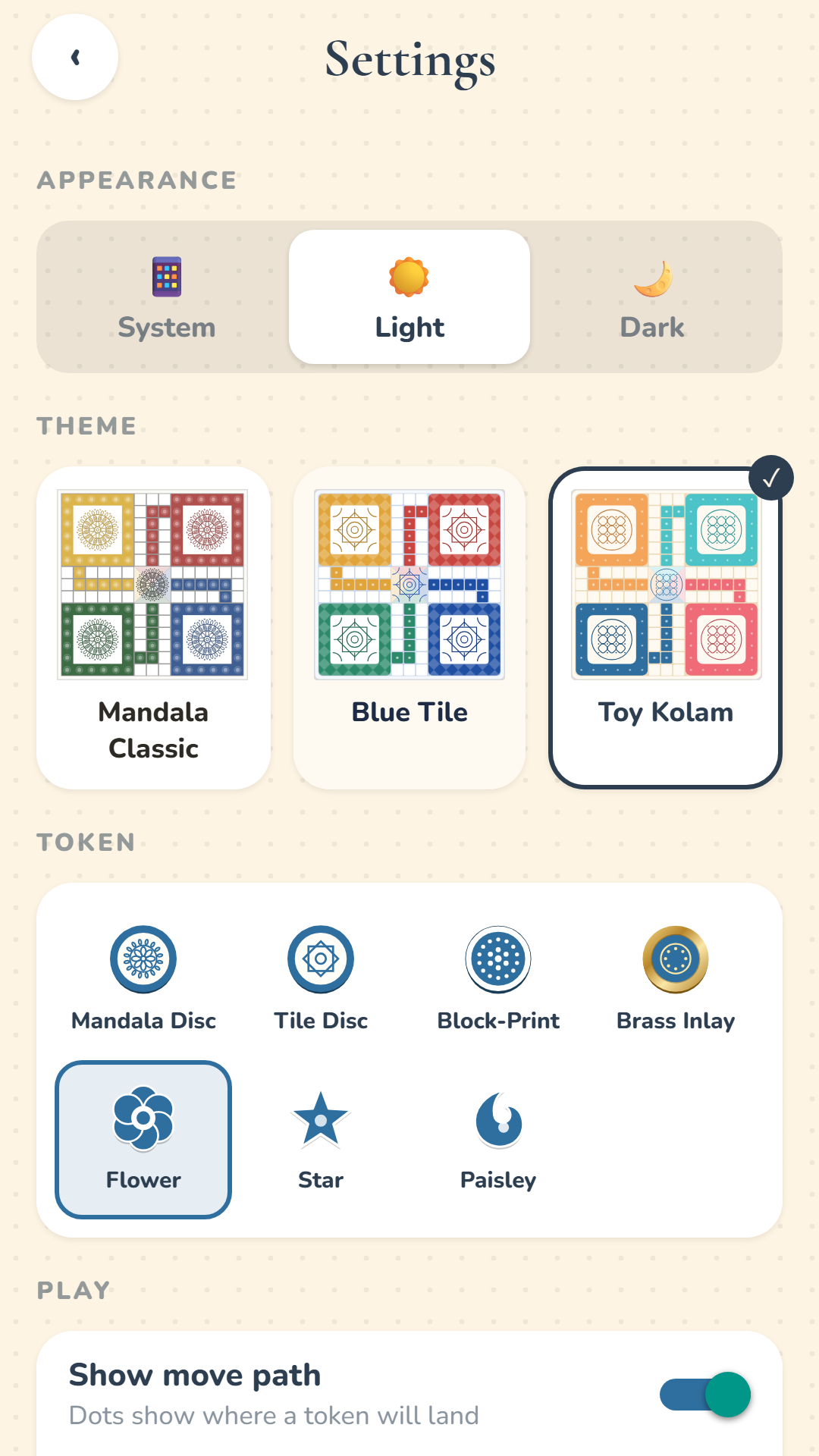
Mandala Classic, Blue Tile and Toy Kolam, each with its own patterns, arrows and buttons.
7 token styles
Mandala Disc, Tile Disc, Block-Print, Brass Inlay, Flower, Star and Paisley.
Smart computer players
Easy, Medium or Hard opponents that capture, stay safe and plan ahead.
Real celebrations
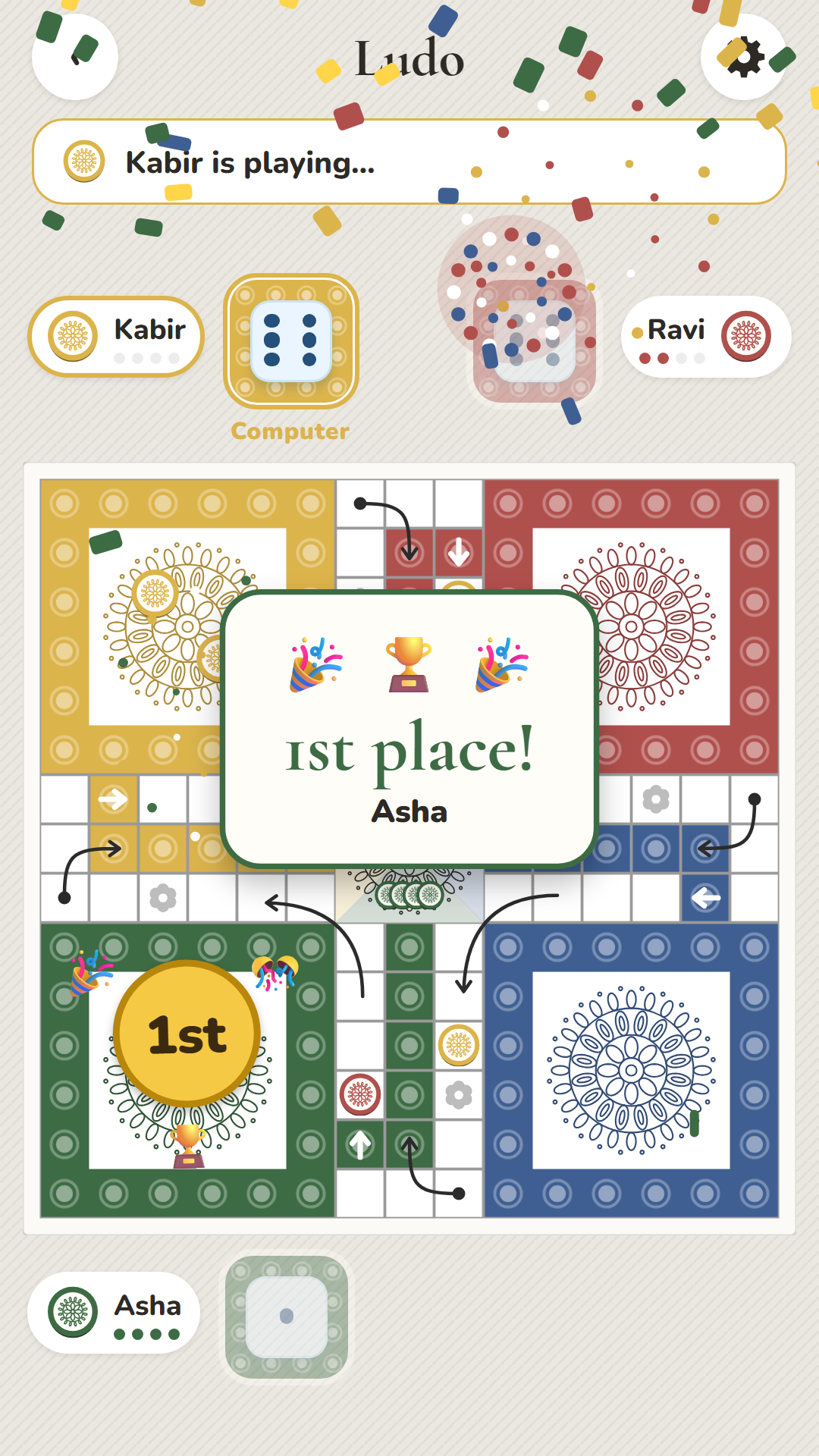
Fireworks, confetti and medals for 1st and 2nd place, with a winner's fanfare.
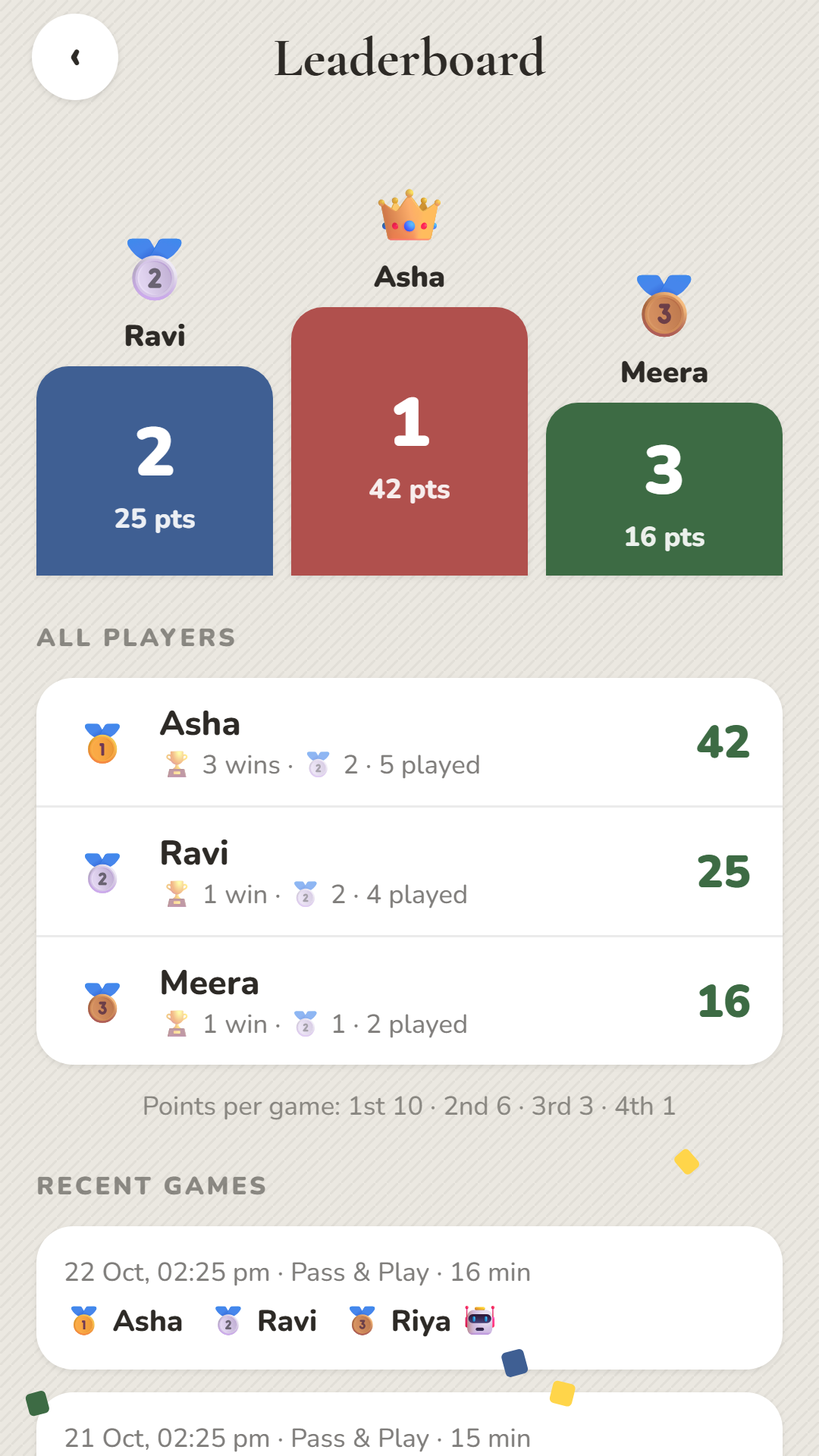
Leaderboard
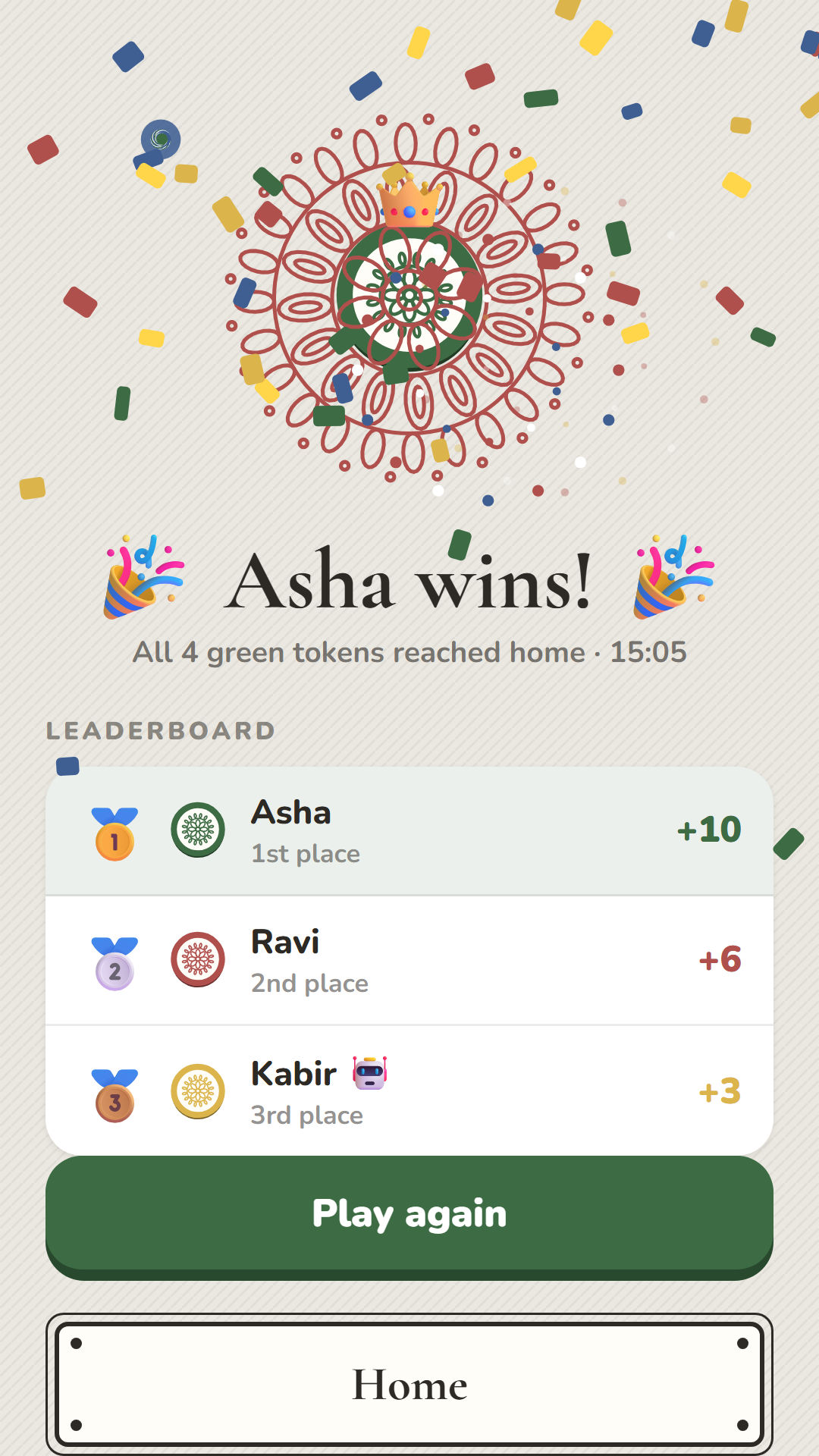
Every player's score is saved by name, with a podium and recent games.
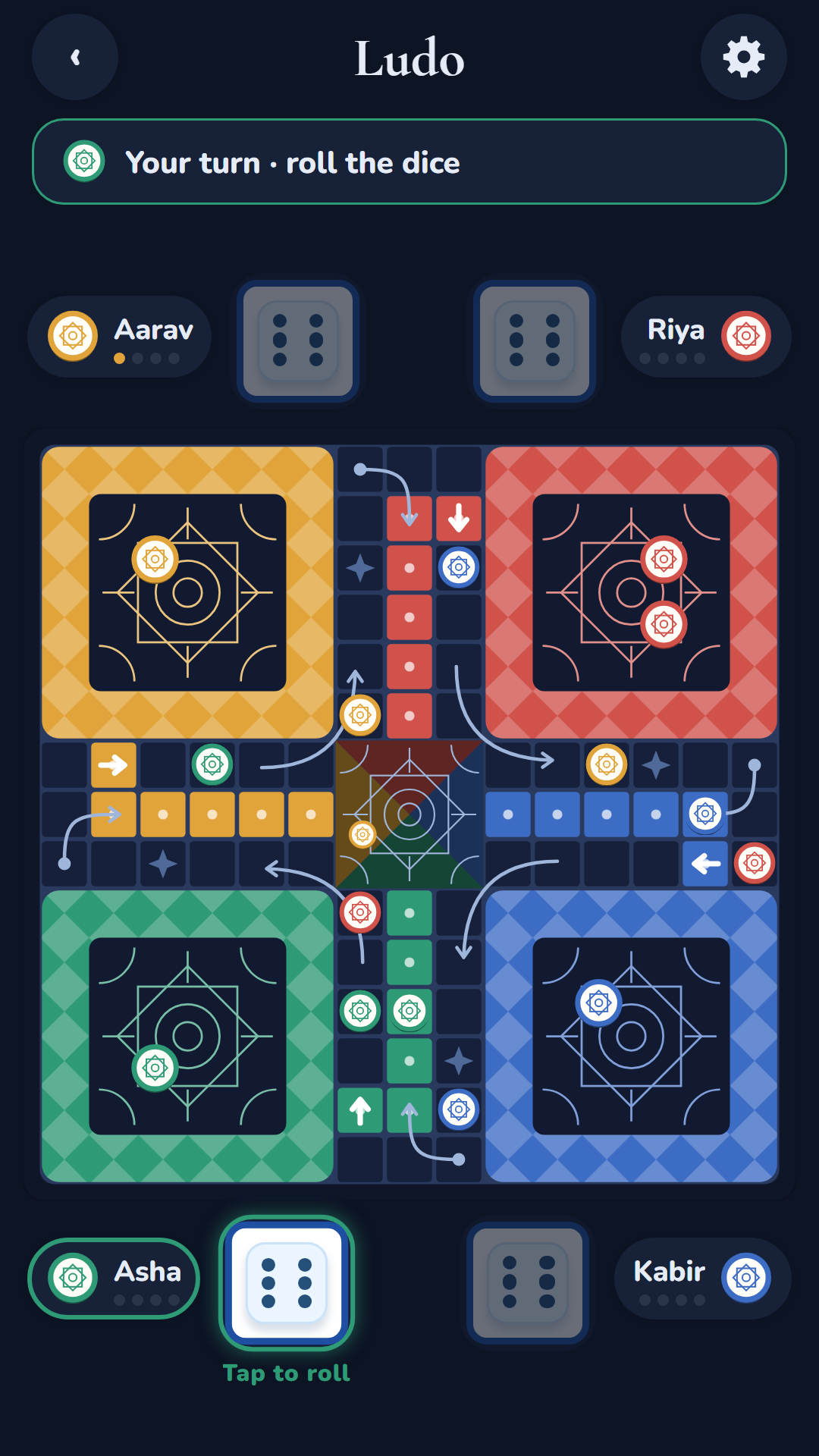
Dark mode
Each theme has a night version. Follow your phone, or pick light or dark.
Optional Google backup
Sign in to keep scores and settings in your own Google Drive and restore them on a new phone.
Private by design
No ads, no tracking, no account needed. Everything works offline.
Play your way
From a quick game on the bus to a full family tournament.
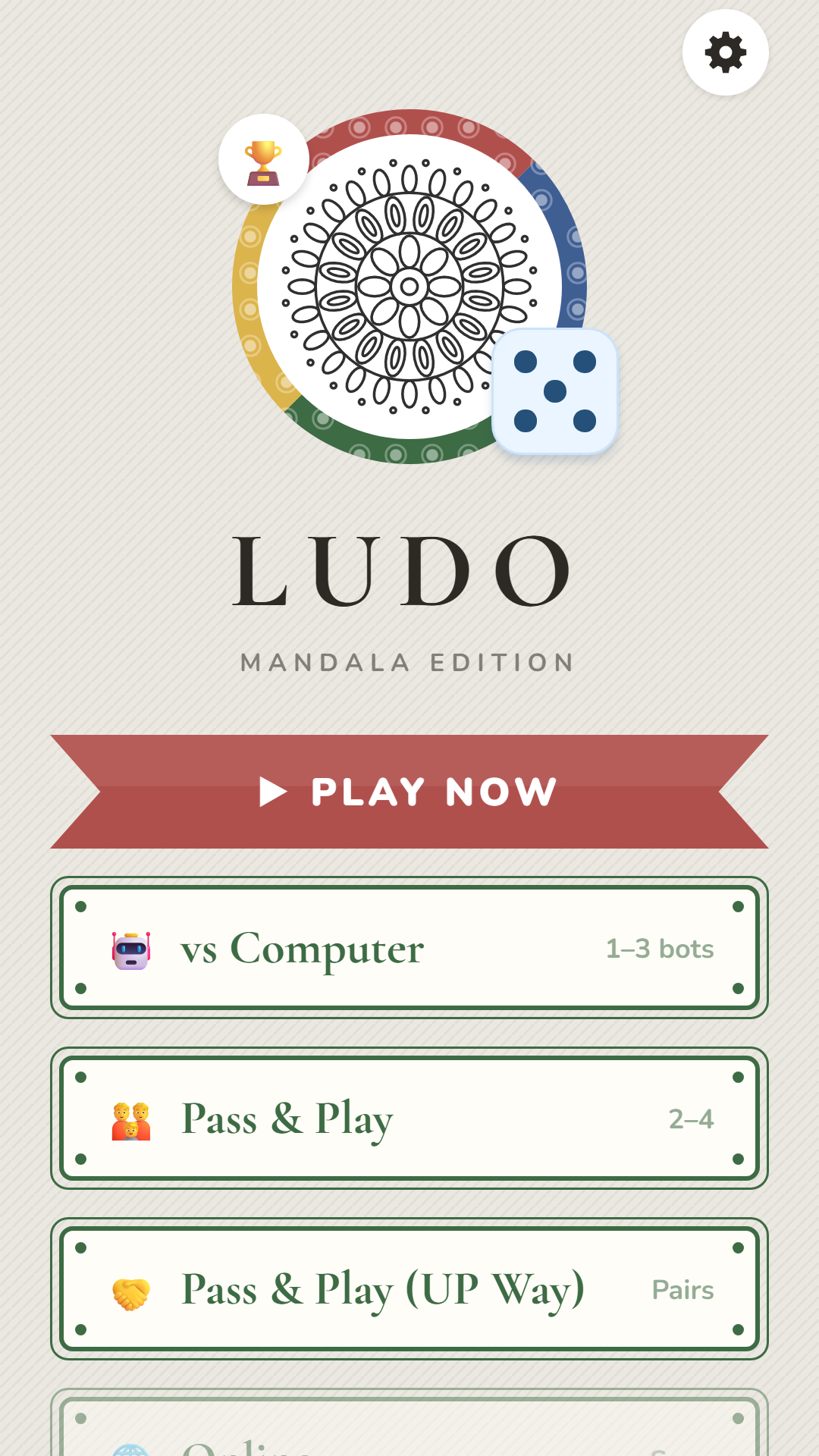
Play now
One tap starts a 4-player game against three computer players.
1 playervs Computer
You against 1–3 computer players, each Easy, Medium or Hard.
1 playerPass & Play
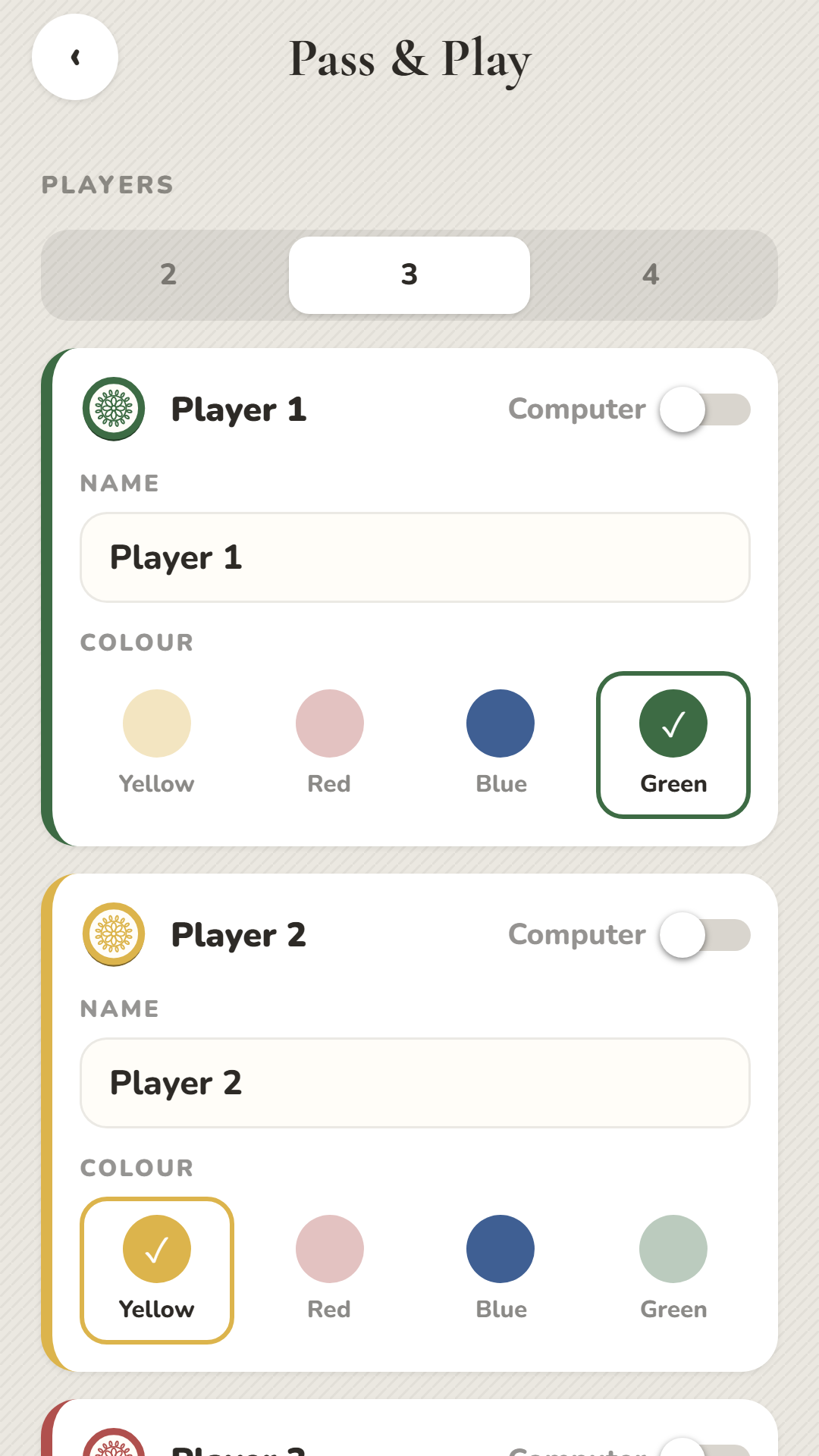
2–4 people on one phone. Pick names and colours; any seat can be the computer.
2–4 playersPass & Play (UP Way)
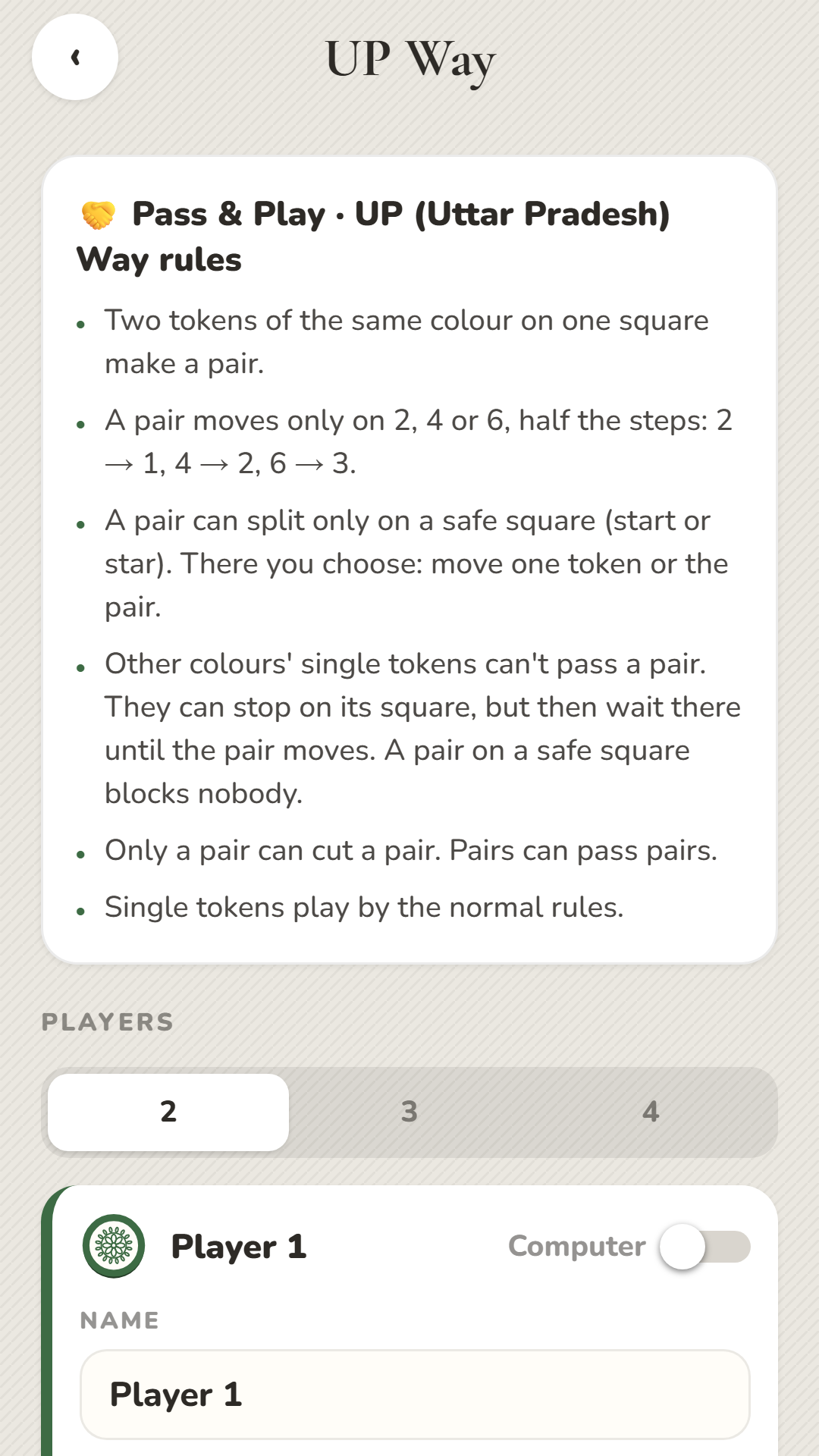
The way Ludo is played in Uttar Pradesh (UP): tokens team up in pairs that block and cut. See the rules.
2–4 playersScreenshots
Three boards, one classic game
Switch any time in Settings. Every theme also has a night version for dark mode.
Mandala Classic
Fine mandala line art on warm linen, with ribbon and rosette buttons.
Blue Tile
Glazed azulejo tiles in cobalt and white, with rounded medallion buttons.
Toy Kolam
Playful kolam dot patterns in soft toy colours, with scalloped buttons.
Your data stays yours
No ads, no analytics, no tracking. Names and scores stay on your phone. If you choose Google backup, they go only to a private folder in your own Google Drive; we never see them.
Questions
Is Ludo free?
Yes. The game is free, with no ads and no in-app purchases.
Do I need the internet?
No. Every mode works offline. The internet is only used if you choose to sign in with Google to back up your scores and settings.
Can I play with friends online?
Not yet. Today you can play against the computer or pass one phone around (Pass & Play). Online play is planned.
What is "UP Way"?
UP stands for Uttar Pradesh. It is the way Ludo is often played there: two tokens of the same colour on one square form a pair that moves together, blocks other players' single tokens (except on safe squares) and can only be cut by another pair. Full UP Way rules.
What is "Hold dice numbers"?
An optional setting (Settings → Play, off by default). Every number you roll goes into your hand. A 6, a cut or a token reaching home gives you another roll, so the hand keeps growing; then use your numbers in any order on any tokens. Three 6s in a row cancel all three 6s (tokens moved with them go back) and lose the numbers in hand. More in the rules.
How are points scored?
1st place 10, 2nd 6, 3rd 3. The loser (last place) of every game gets 0, so in a 2-player game only the winner scores. Winning & points.
How do I move my scores to a new phone?
On the old phone go to Settings → Account → Sign in with Google. Then sign in with the same account on the new phone; your leaderboard and settings come back automatically.
How do I delete my data?
Leaderboard → Reset scores clears scores on the phone; uninstalling removes everything. For the Google Drive backup, see Deleting your data.